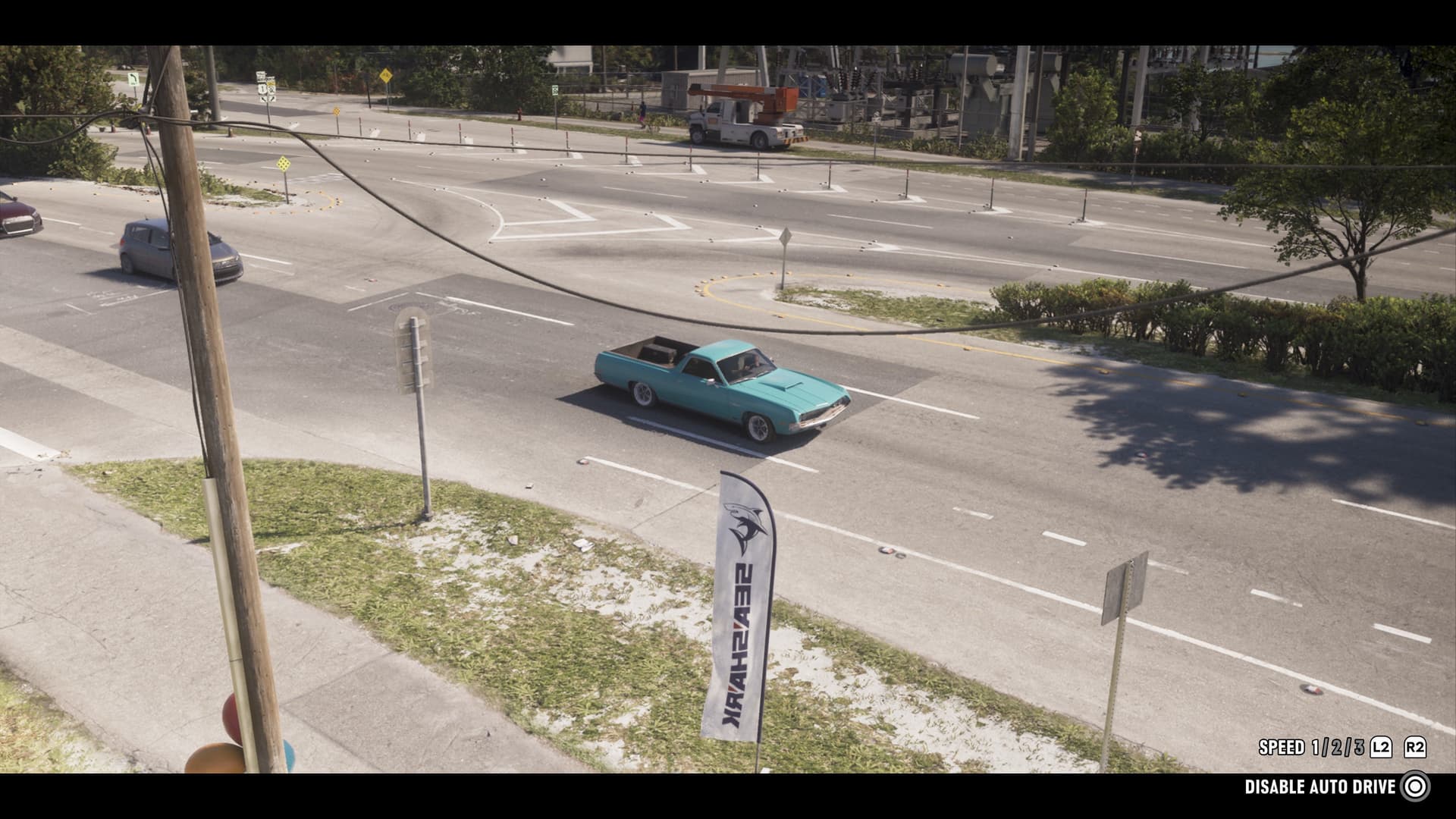
In GTA 6, Jason and Lucia have plenty of ways to cross the map, but what if there's no rush and you actually want to look around? Then Auto-Drive is worth knowing about. The game never spells it out, and the feature is tucked away a bit.
How to Enable Auto-Drive
Get into any vehicle that drives on land or floats on water. Then do this:
- Place a marker at any spot on the map you can drive or sail to
- Hold : camera options pop up in the lower right of the screen
- Switch to Cinematic view with the button
- Hold : the character drives to the destination on their own
In Cinematic view, the camera cuts between side angles, overhead shots, and front-facing views of the road. Manually driving in this mode is awkward, but Auto-Drive only works here.
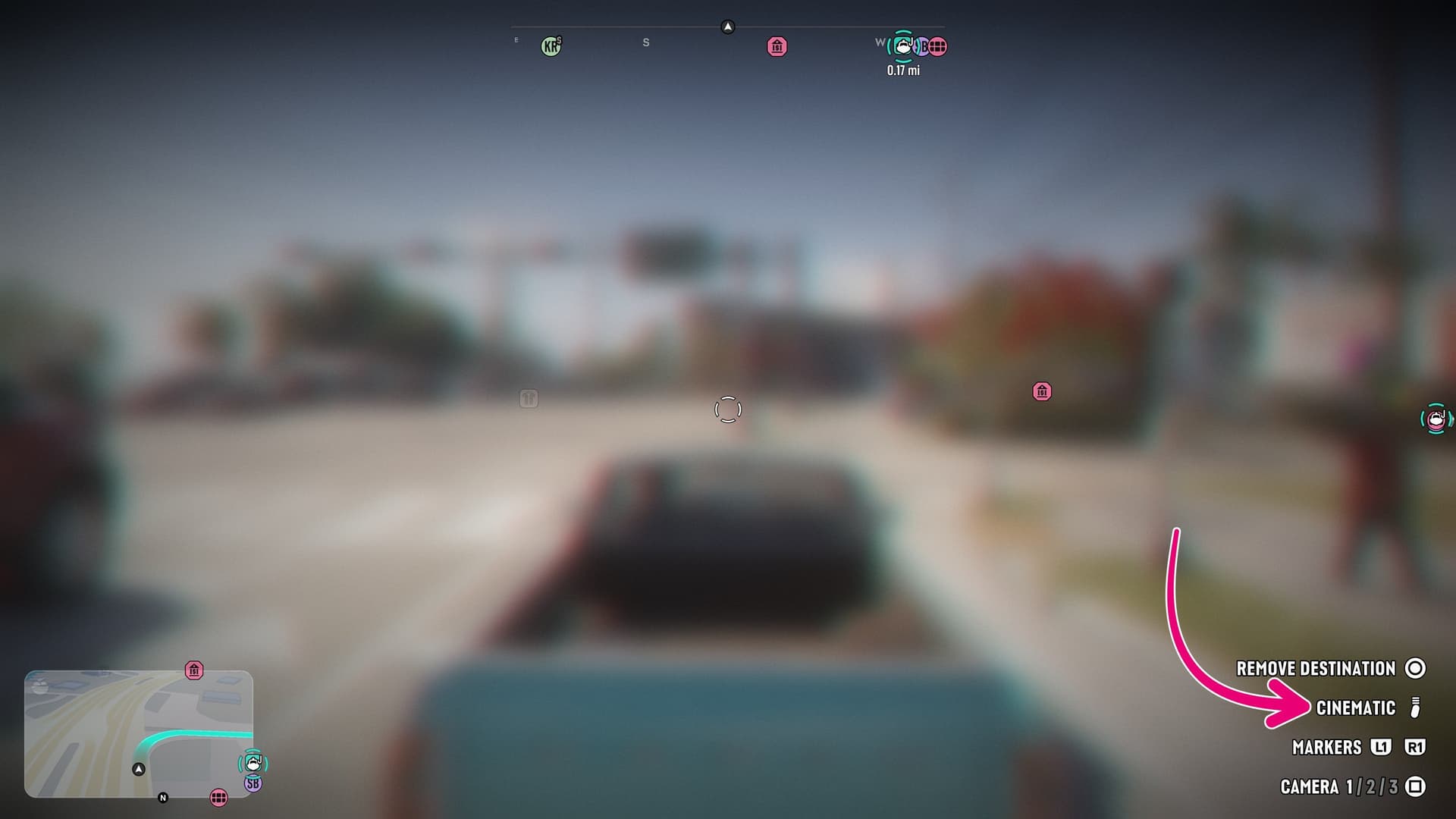
How Auto-Drive Works
Either Jason or Lucia can be at the wheel: the driver mostly obeys traffic rules. While Auto-Drive is on, you can adjust speed with and . To cancel, hold again.
The ride is scenic and safe, but far from the fastest. Your character can still end up in a traffic jam or be held up by a road accident.
Auto-Drive on Water
It works on boats too: in GTA 6 you can drop markers on the ocean and lakes. The boat sticks to water only. Set a target on land while you're on the water and your character will go as far as the water allows, then Auto-Drive cuts out on its own.