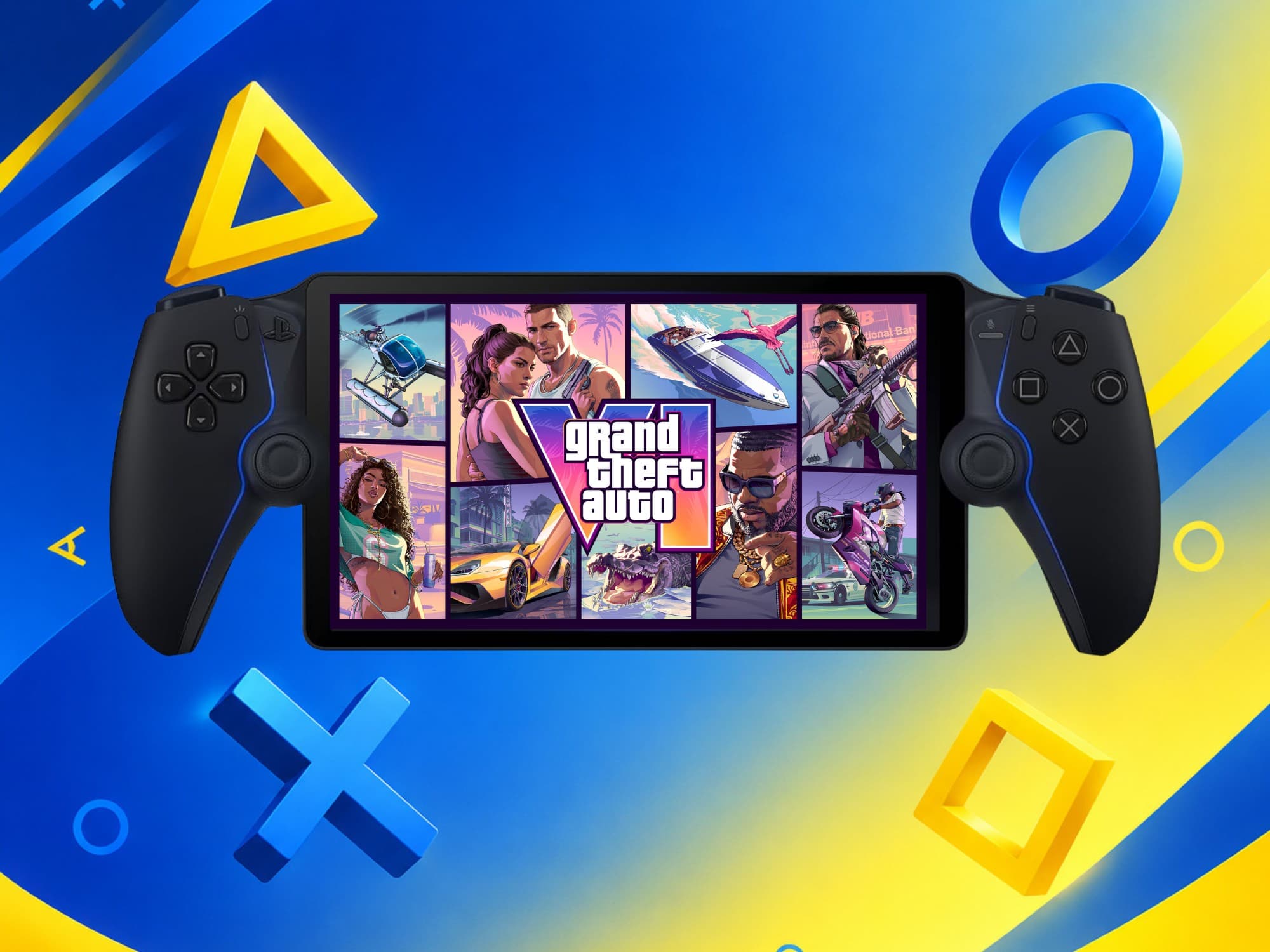
GTA 6 can run in the cloud on PS5, PlayStation Portal and Xbox, so you don't have to download it to the console. You still need to buy the game: it is not part of the PS Plus catalog or Game Pass. PlayStation needs a PS Plus Premium subscription, Xbox needs cloud time. Installing on PS5 takes about 210 GB, and cloud play skips that download.
What you need beforehand
- Purchased copy of GTA 6: in PlayStation Store or in Xbox Store. A subscription doesn't give you the game itself.
- For PlayStation: PS Plus Premium subscription and an adult PlayStation account in a country where cloud streaming works. This includes the USA, Canada, Japan, and most European countries, including the United Kingdom. Russia is not on the list.
- For Xbox: cloud time. You get it from hours in Game Pass (depends on the plan), you can also buy time in Xbox Store or play with ads. Xbox cloud doesn't work in all regions.
- Stable internet: speed requirements by resolution below.
Important: the cloud does not replace purchasing the game. Without a purchased copy of GTA 6, it won't launch on either PlayStation or Xbox.
How to launch on PS5 and PlayStation Portal
- Buy a digital copy of GTA 6 in PlayStation Store.
- Get PS Plus Premium: cloud streaming is included in this plan.
- On PS5, find GTA 6 in Cloud Streaming Game Finder and press Stream.
- On PlayStation Portal, open the Cloud Streaming tab, find GTA 6 in the Your Library section and select Stream.
The game runs on Sony's servers, not through Remote Play. That's why Portal doesn't need a home PS5, and you don't have to turn it on. Saves are stored in the cloud, and you can continue on another compatible device. If there is no Stream button, check your plan, the account's country, and that you bought a digital copy.
How to launch in Xbox Cloud Gaming
- Buy GTA 6 in Xbox Store.
- Check that you have cloud time.
- Press the Xbox button on the gamepad and find Grand Theft Auto VI.
- Select Manage, then See in Microsoft Store.
- On the game page, click Play With Cloud.
Xbox Cloud works on Xbox One and Xbox Series X|S. On Series X|S you can save disk space this way, and on Xbox One it's the only way: there's no native version for it. Cloud GTA 6 on Xbox appeared on November 19; on PlayStation, players noticed it on November 23. There is no cloud version on PC.
Don't confuse cloud with Remote Play: this Xbox feature streams the game from your Series X|S console to your phone or PC, it doesn't need cloud time.
What internet you need
For a PlayStation cloud session you need at least 5 Mbps. To keep the image clear, refer to these speeds:
| Resolution | Recommended speed, Mbps | Minimum on Portal over Wi-Fi, Mbps |
|---|---|---|
| 720p | 13 | 7 |
| 1080p | 23 | 13 |
| 1440p | 38 | — |
| 4K | 52 | — |
What resolution and frame rate cloud GTA 6 provides on PlayStation is not yet known. For Xbox, it's better to connect the console via Ethernet cable: even fast Wi-Fi sometimes has drops in audio and video.
PlayStation and Xbox: comparison
| What we're comparing | PS5 and PlayStation Portal | Xbox Cloud Gaming |
|---|---|---|
| Cloud play appeared | November 23 | November 19 |
| What to buy | Digital copy in PlayStation Store | Copy in Xbox Store |
| What else you need | PS Plus Premium | Cloud time: Game Pass, purchase or ads |
| Included in catalog or Game Pass | No | No |
| Devices | PS5, PlayStation Portal | Xbox One, Xbox Series X|S |
| Cloud play on PC | No | No |
| Countries | United States, Canada, Japan and most of Europe; Russia is not included | Select regions |
Frequently Asked Questions
Yes. You need a purchased copy on both PlayStation and Xbox. The game is not included in PS Plus or Game Pass.
Yes. You need PS Plus Premium and a purchased digital copy. The game runs on Sony's servers, so a home console is not required.
No. PlayStation cloud is not available on PC, and Xbox doesn't have a cloud version for PC either.
It depends on the plan. You can buy more time in the Xbox Store or play with ads.
Not on PlayStation: Russia is not on the list of countries for cloud streaming. On Xbox, cloud is not available everywhere; check the list of regions on the Xbox website.
Cloud launches without a download, but depends on your internet. If you install the game on a console, you'll want the preload, the best settings and tips on what to do about crashes.