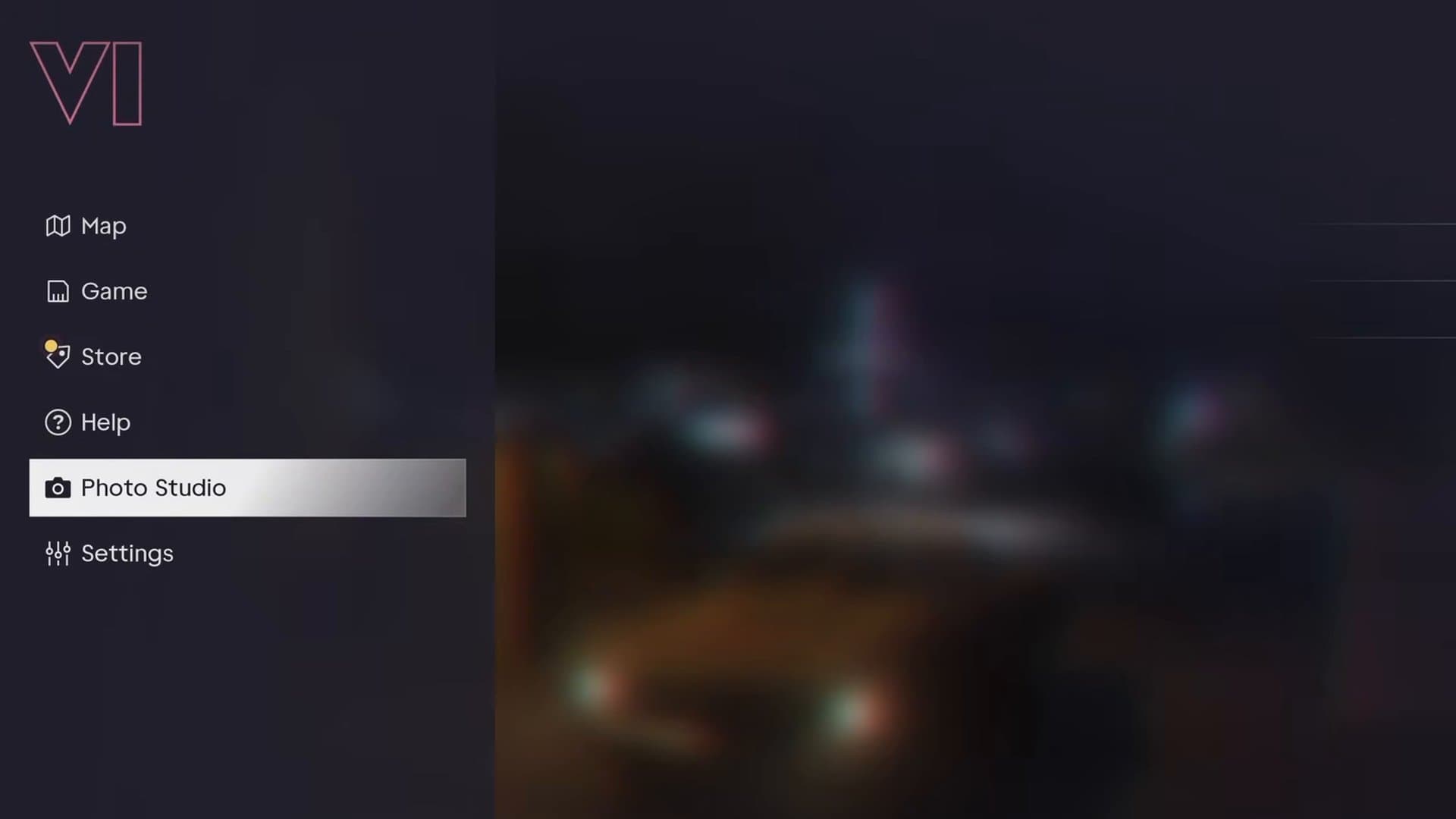
The photo mode in GTA 6 is called Photo Studio and opens from the pause menu: on PS5 with the Options button, on Xbox with the Menu button. Photos from it are saved to the console gallery, and photos and selfies from the phone camera are located in the Gallery app inside the game.
Current as of November 23, 2026. Platforms: PS5 and Xbox Series X|S.
How to open photo mode
- Open the pause menu: Options on PS5, Menu on Xbox.
- Go to the Photo Studio tab. Quick option: press Square on PS5 or X on Xbox right in the pause menu.
- Configure the frame and save it with the Save Photo option.
The mode is available from the very beginning of the game — no unlocking required. It also opens in cutscenes, but some settings are marked as unavailable, so free roam is the better spot for it.
What you can adjust
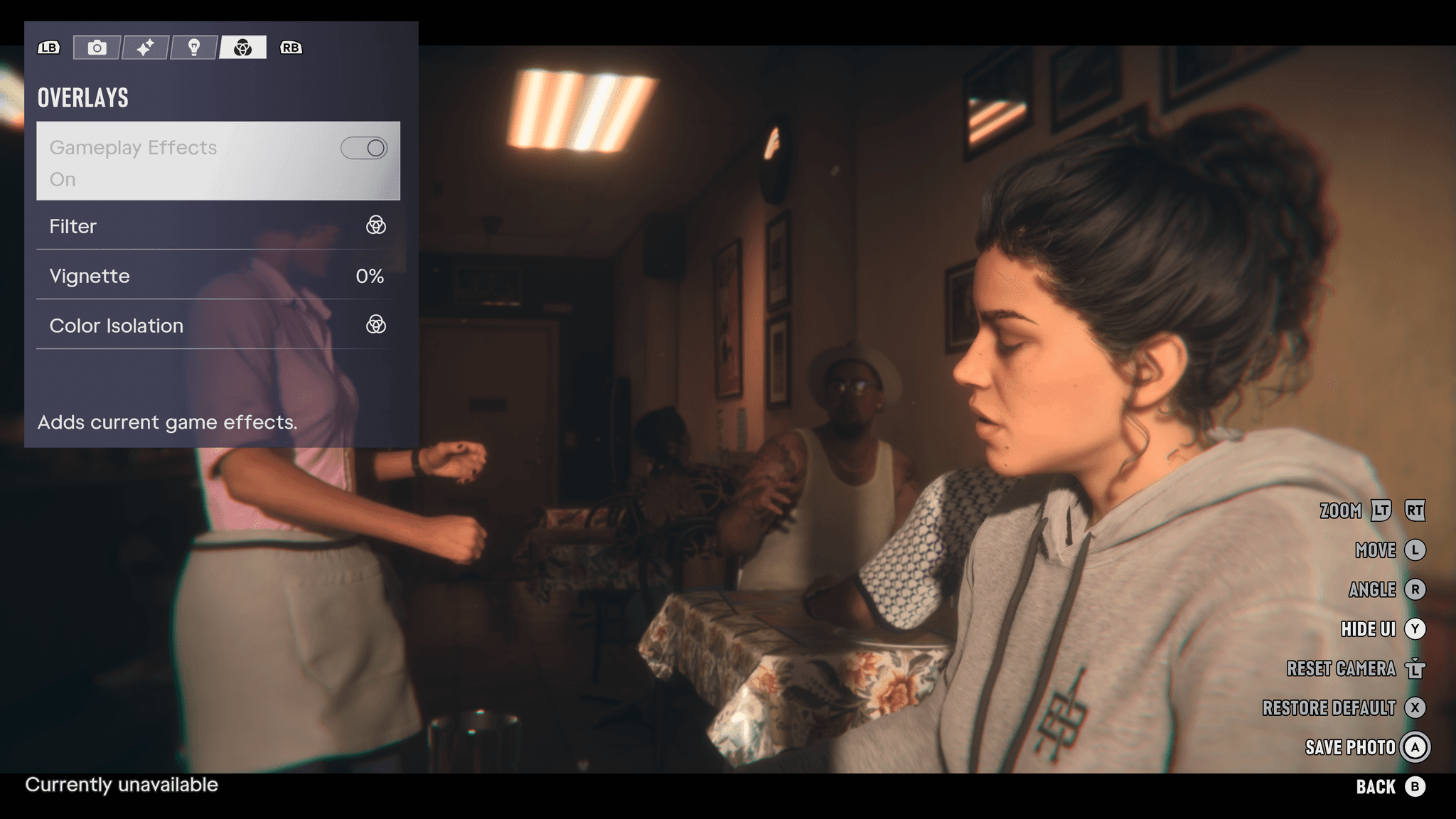
| Setting | What it does |
|---|---|
| Focus and depth of field | background blur, focus on a character or object |
| Frame format | aspect ratio of the image |
| Filters and vignette | color style and darkening at the edges |
| Light | multiple light sources, each with its own color and brightness |
| Exposure, contrast, shadows, sharpness, grain, color temperature | fine image processing |
| Hide character | frame without the hero, just the location |
One real limitation: you cannot change the time of day or weather in Photo Studio, and there's no way to adjust your character's pose or expression. If the light isn't right, you'll have to wait for it in-game.
Phone camera and selfies
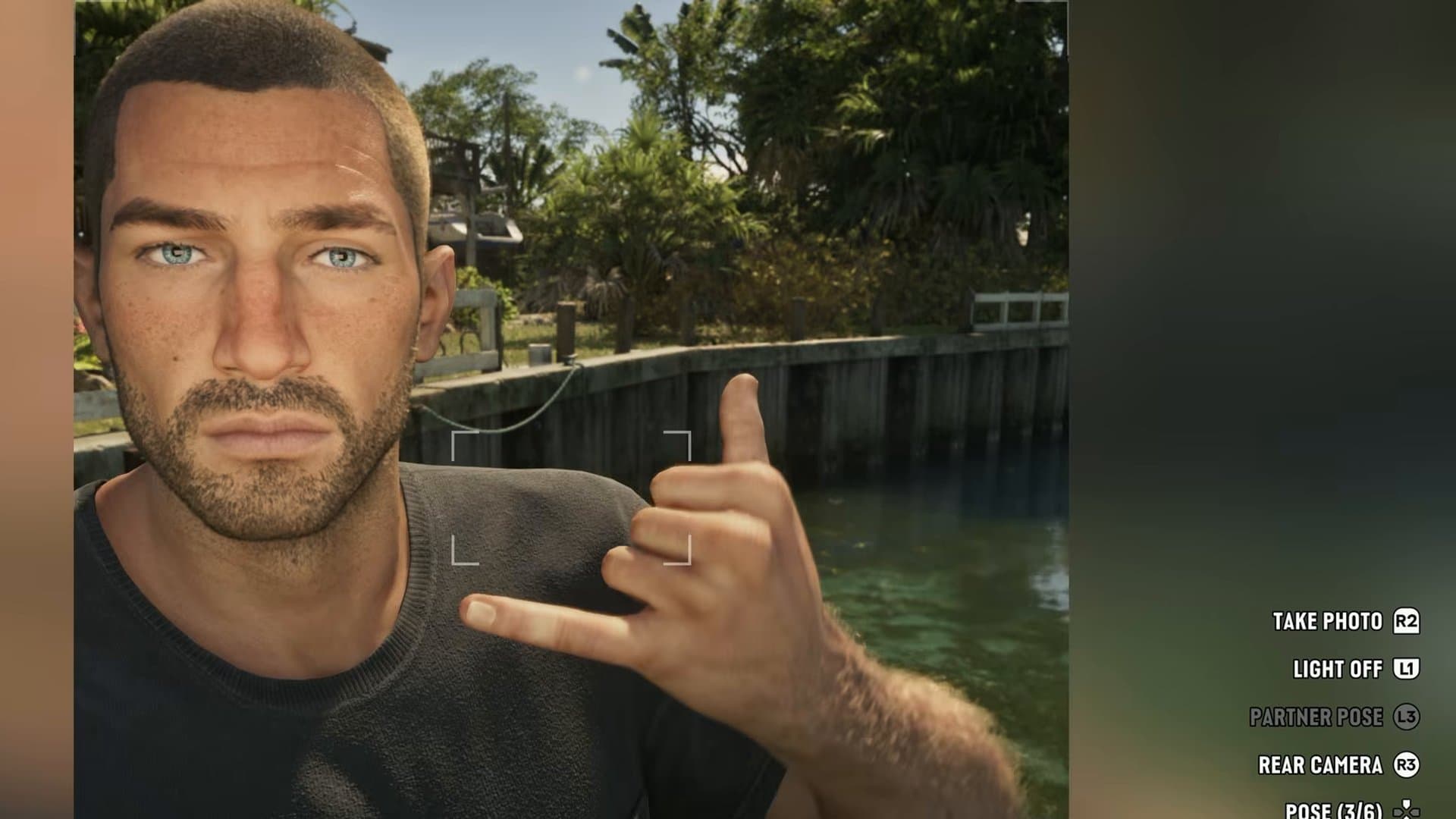
The phone camera is a separate method: press the up arrow on the d-pad and select the Camera app. It has zoom up to 5x, a grid, and filters. In selfie mode you also get poses, facial expressions, and your partner's pose. The phone camera becomes available after the Prologue, once you're playing as Jason Duval.
Where photos are saved
| How it's taken | Where it's stored |
|---|---|
| Photo Studio, Save Photo, PS5 | console gallery (Media Gallery); if there's no icon on the home screen, open Game Library and select M |
| Photo Studio, Save Photo, Xbox | My Games & Apps → Apps → Captures |
| Phone camera and selfies | Gallery app in the game phone |
Photo Studio photos don't appear in the phone's gallery.
How to share a photo
A photo from Photo Studio stays in the console's gallery — send it from there. Snapmatic in the story is read-only: you can view the feed, read comments, like and subscribe, but you can't publish your own photos because the characters are fugitives. Photo Studio photos can't be uploaded to Snapmatic either.
Frequently asked questions
Open the pause menu (Options on PS5, Menu on Xbox) and go to the Photo Studio tab. Quick button — Square on PS5, X on Xbox.
In the console's gallery: Media Gallery on PS5, Captures on Xbox. They don't appear in the game phone.
No. You can't change the character's pose and facial expression in Photo Studio either.
No. In the story, Snapmatic is for viewing the feed only.