In GTA 6, there are 15 manual save slots and one autosave slot. Manual saving is done from the pause menu: the Game tab, Save Game option. It's only available during free play — during a mission, the option disappears. You can't replay a completed mission, so save important moments in separate slots.
Current as of November 23, 2026. Platforms: PS5 and Xbox Series X|S.
How to save manually
- Exit the mission to free play.
- Open the pause menu: Options on PS5, Menu on Xbox Series X|S.
- Go to the Game tab and select Save Game.
- Choose an empty slot or overwrite an occupied one.
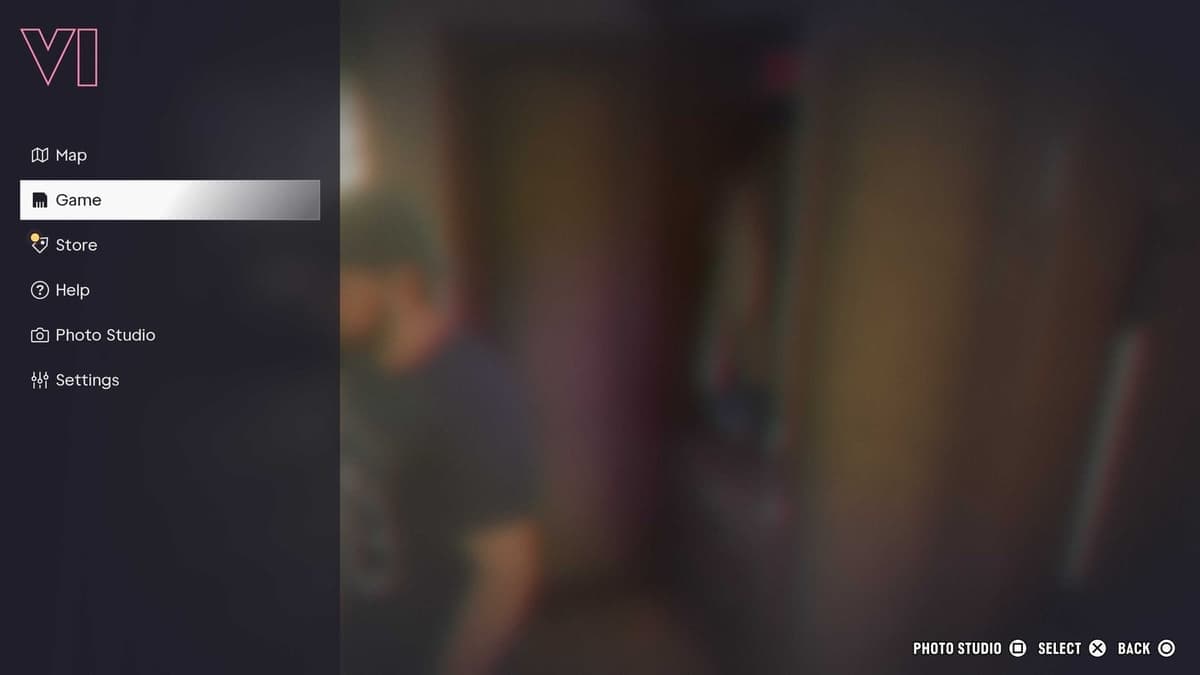
Important: At the very beginning of the game, in the Prologue, manual saving is locked. It unlocks when Jason reaches the house on the pier after the first job for Brian.
How autosave works
There is one autosave slot; each new save overwrites the previous one. The game saves automatically after missions and after certain events in the open world, such as after death or arrest. Autosave is visible in the Load Game list (Game menu).
Loading an earlier manual save overwrites the autosave, and everything done after that save is lost. Before rolling back, copy your current progress to a separate manual slot.
How not to lose progress
| Situation | What to Do |
|---|---|
| Beginning and end of chapter | Make a separate slot at the beginning and end of each of the five chapters; leave the remaining slots for the open world |
| Before a mission you want to replay | Save manually: mission replays are not available in the menu |
| Before making a story choice | A separate slot lets you go back and make a different choice |
| Before loading an old save | Save current progress to an empty slot |
Don't rely only on autosave — rotate between several manual slots.
Important: Cheats disable saving and trophies (achievements) until the game is fully restarted.
Cloud saves
On PS5, the backup is stored in PS Plus Cloud; a subscription is required. On Xbox Series X|S, saves are synced automatically.
Frequently asked questions
Fifteen manual slots and one autosave slot.
No. Manual saving only works in free play; during a mission, the option is unavailable.
There is no mission replay menu. To replay a mission, load a manual save made before it.
No. You can save from the pause menu anywhere in free play.