The bank in GTA 6 opens in chapter one, in the mission "Buck Me". After it, the characters get the BuckMe app with a checking account and a shared savings account, Family Savings. Cash in your pocket is lost on death or arrest and Family Savings stays untouched. A small fee may be taken from the checking account, but the amount isn't known yet. You can't withdraw money from Family Savings, but your savings unlock discounts and raise the checking account limit. The mission "Save for the Future" runs through the whole game and doesn't block the story.
Current as of November 23, 2026. Platforms: PS5 and Xbox Series X|S.
How to open an account
- Progress to the "Buck Me" mission in the first chapter. It takes place at the Fleeca branch in Key Lento; you cannot open an account before this mission.
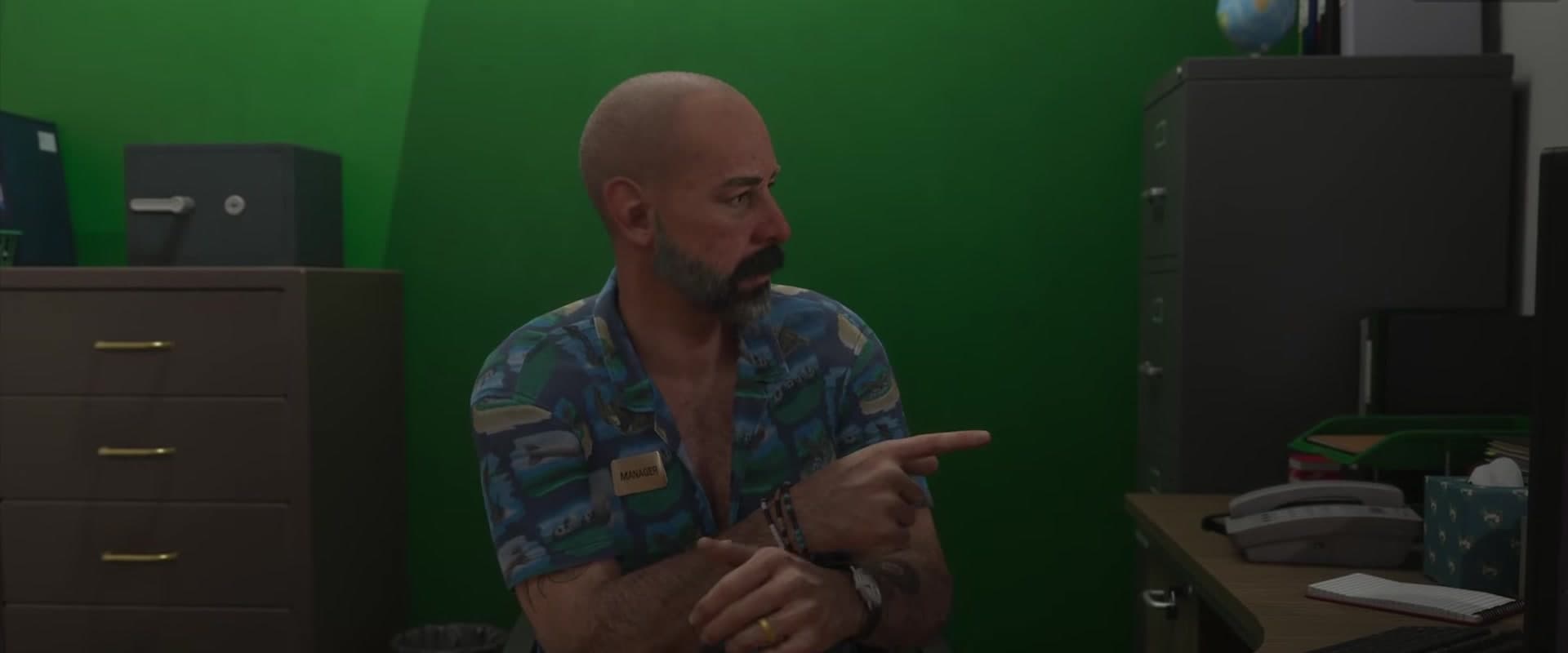
- Jason has a poor credit history, so the manager refuses a regular account and offers the BuckMe application.
- At the end of the mission, when you first open BuckMe, $100 is deposited into the checking account. During the tutorial, it's transferred to Family Savings through the "Buck Yourself" option.
The application opens from the phone: up arrow on the d-pad, purple BuckMe icon.
What BuckMe can do
- shows transactions and payments;
- transfers money to savings ("Buck Yourself");
- finds ATMs (ATM Finder); you can place a marker on the map.
Cash is deposited and withdrawn through an ATM or bank branch: Deposit, Withdraw, Transactions menu. Cash from your pocket cannot be transferred to the account directly through the application.
Cash and account: limits
| What | How it works |
|---|---|
| Payments in stores | cash up to $1,000; purchases over that go only through BuckMe |
| Checking account | the limit grows as the story progresses; if it's full, incoming payments wait until space frees up or you transfer money to savings |
| Family Savings | a shared account for Jason and Lucia; money can't be withdrawn or spent |
Each character has their own checking account, while Family Savings is shared. Tip: transfer to Family Savings only what you won't need for purchases.
Family Savings and Milestones
Either character can add to savings through "Buck Yourself"; deposits are optional. As the balance grows, the app unlocks milestones: the checking account limit goes up and discounts kick in.
| Milestone | Savings | Checking limit | Bonus |
|---|---|---|---|
| Buckin' Broke | $5,000 | $15,000 | None |
| BuckeDry | $10,000 | $100,000 | −20% on RydeMe rides |
| BuckMe Gold | $100,000 | $500,000 | −20% on garage purchases |
| BuckMe Premium | $500,000 | $2,000,000 | −10% on liveries |
| Rich as Buck | $1,000,000 | $2,000,000 | None |
| Final milestone | $2,000,000 | Unknown | Unknown |
BuckMe Premium (called BuckMe Black in phone messages) is given to you automatically at the start of chapter four, even if your savings are lower. The mission "Save for the Future" unlocks in chapter one and runs to the end of the game, with no map marker. It doesn't block the story.
What You Lose on Death and Arrest
On death or arrest, all cash on you disappears. Family Savings is untouched. There may be a small deduction from the checking account, though the exact amount isn't known yet.
Before the bank opens, you can stash money in the safe house: floorboards in the bedroom of Jason's house in Key Lento.
Frequently Asked Questions
In chapter one, in the mission "Buck Me".
You can't: money in Family Savings cannot be withdrawn.
At an ATM or a bank branch, in the Deposit menu. You can't transfer pocket cash to the account from the BuckMe app itself.
Family Savings is not lost. Cash in your pocket disappears, and a small deduction from the checking account is possible; the amount isn't known yet.