Cutscenes in GTA 6 are skipped by holding a button: X on PS5 or A on Xbox, a simple press doesn't work. Time is skipped by sleeping in the safehouse: at the bed you can choose morning, midday, evening, or night. You can also advance time by taking a RydeMe taxi ride and skipping the route.
Current as of November 23, 2026. Platforms: PS5 and Xbox Series X|S.
How to Skip a Cutscene
- Close the pause menu if it's open and return to the scene: there is no separate skip option in the menu.
- Hold X on PS5 or A on Xbox Series X|S.
- Keep holding the button until the scene ends.
Important: you cannot rewatch a skipped cutscene with a separate button, nor can you replay the mission from the menu. To see the scene again, load a manual save made before the mission: restarting from a checkpoint does not guarantee the scene will repeat.
How to Skip Time by Sleeping
The main way is to sleep in the safehouse. Approach the bed, select sleep, then choose the wake-up time.
| Option | In-game Time |
|---|---|
| Morning | 7:00 |
| Midday | 12:30 |
| Evening | 18:00 |
| Night | 0:01 |
You cannot select an arbitrary hour, only these options.
Skipping Time via RydeMe
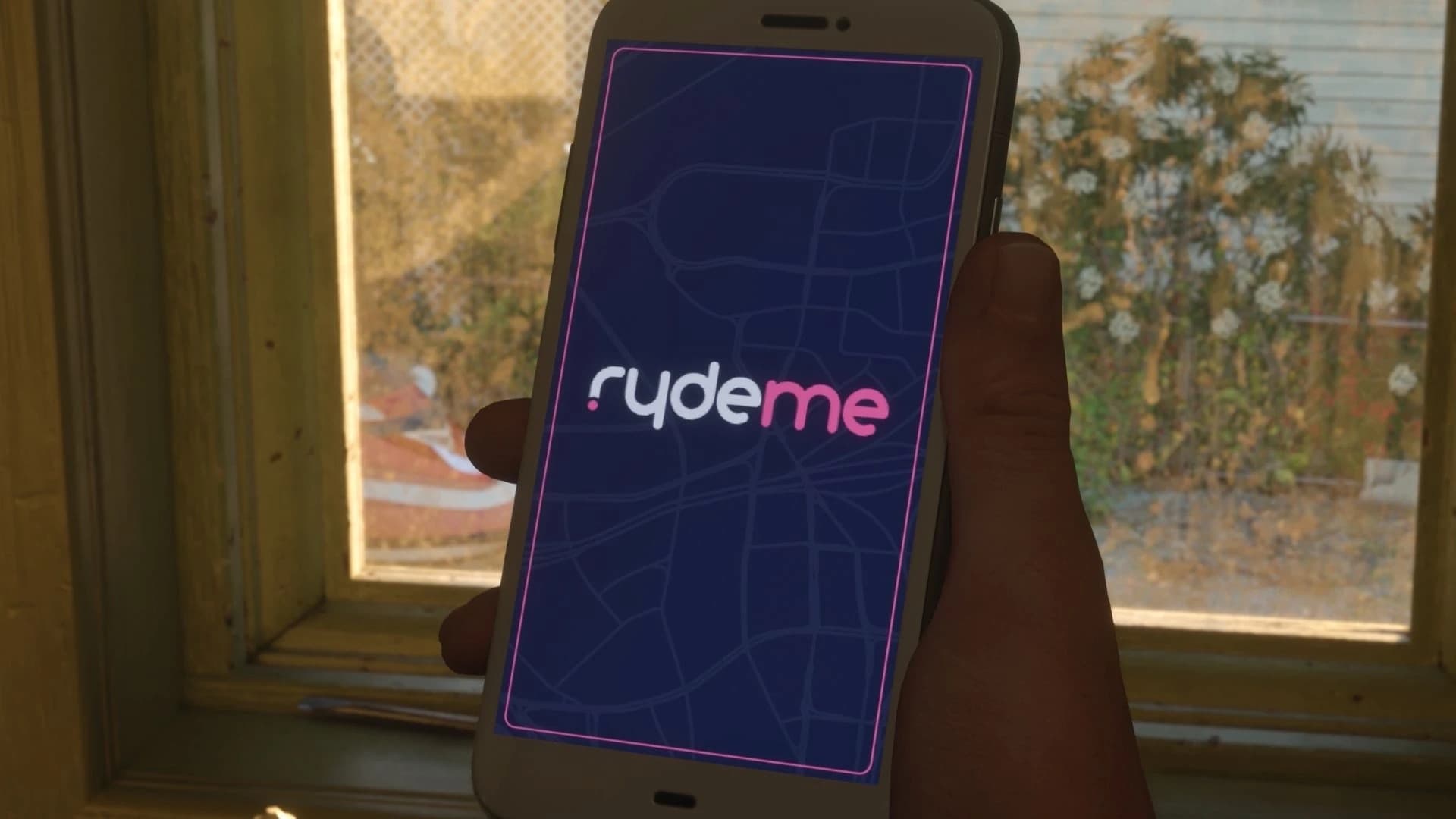
RydeMe taxi becomes available after the Buck Me mission in the first chapter. You can skip the ride: hold L2 on PS5 or LT on Xbox, then press Triangle on PS5 or Y on Xbox. The clock advances by the duration of the route. Skipping costs $100 on top of the ride fare, deducted from your BuckMe account. If you just need to move the clock forward, it's easier to drive home and sleep.
How Long are In-game Days
One in-game day equals 2 hours 24 minutes of real time, one in-game minute takes 6 seconds. Some story missions forcefully change the time of day.
Frequently Asked Questions
Hold X.
Hold A.
No, only morning, midday, evening, and night.
There is no separate button. Load a manual save made before the mission.