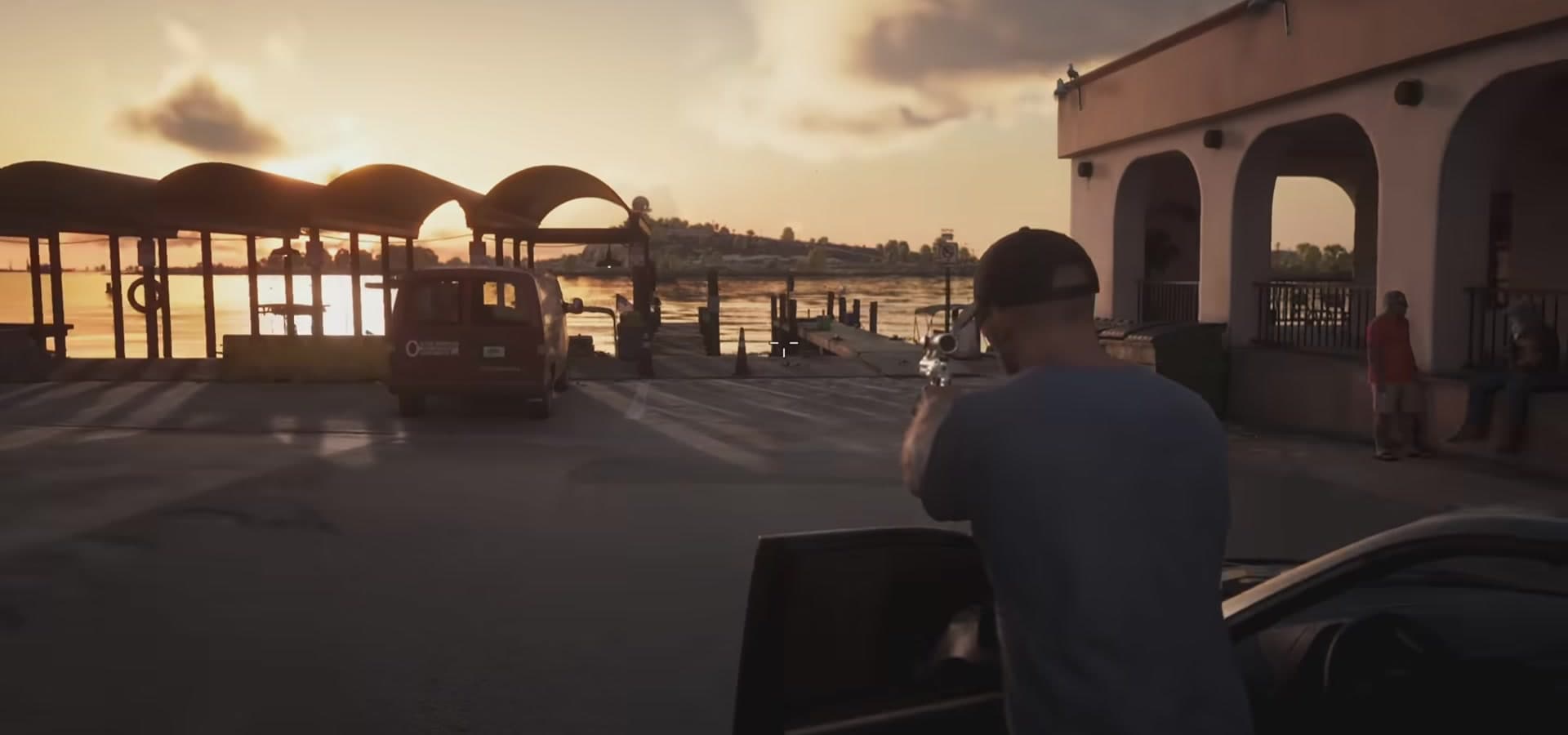
In GTA 6, punch is on □ (X on Xbox), aim and fire are on L2 and R2 (LT and RT), crouch is on ○ (B). Below is how to fight unarmed, adjust aim, take cover, and eliminate an enemy quietly. The full control scheme in Default is in the controls guide.
| Action | PS5 | Xbox |
|---|---|---|
| Punch, hold for heavy | □ | X |
| Block, dodge | ✕ | A |
| Grapple | R2 | RT |
| Aim and fire | L2 and R2 | LT and RT |
| Cover | R1 | RB |
| Crouch | ○ | B |
What you need first
- The Default control scheme: in Classic, punch and crouch sit on other buttons.
- Pick your aiming mode in Settings, under Gameplay, then Combat.
- For quiet shooting you'll need a suppressor from Ammu-Nation.
Hand-to-Hand Combat
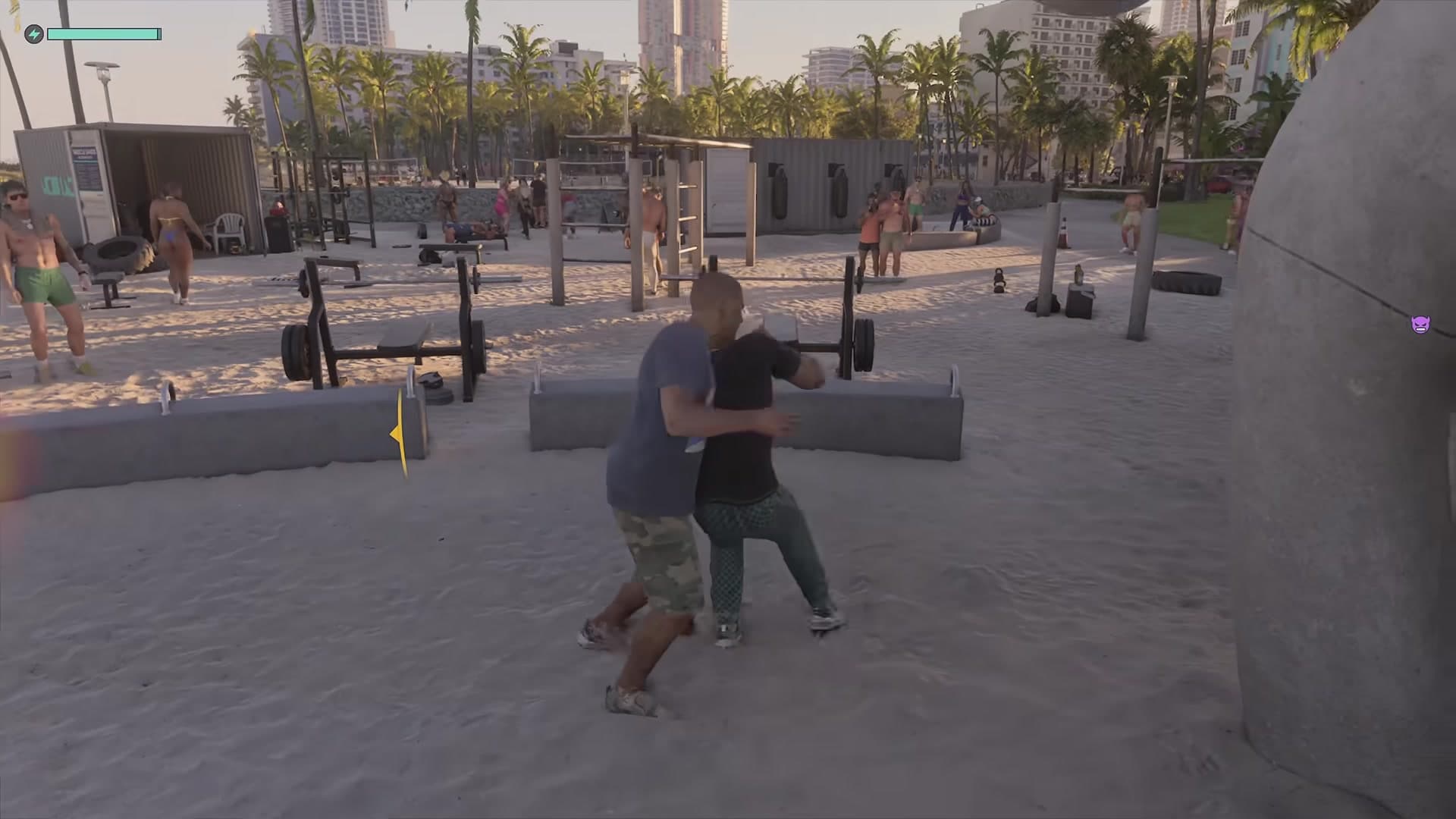
- Punch. Press □ (X). Hold the button for a harder hit.
- Block. Hold ✕ (A).
- Counter. Press ✕ (A) just before the enemy's attack to dodge, then strike right away. Timing matters.
- Lock on. Hold L2 (LT) to face the enemy and strafe.
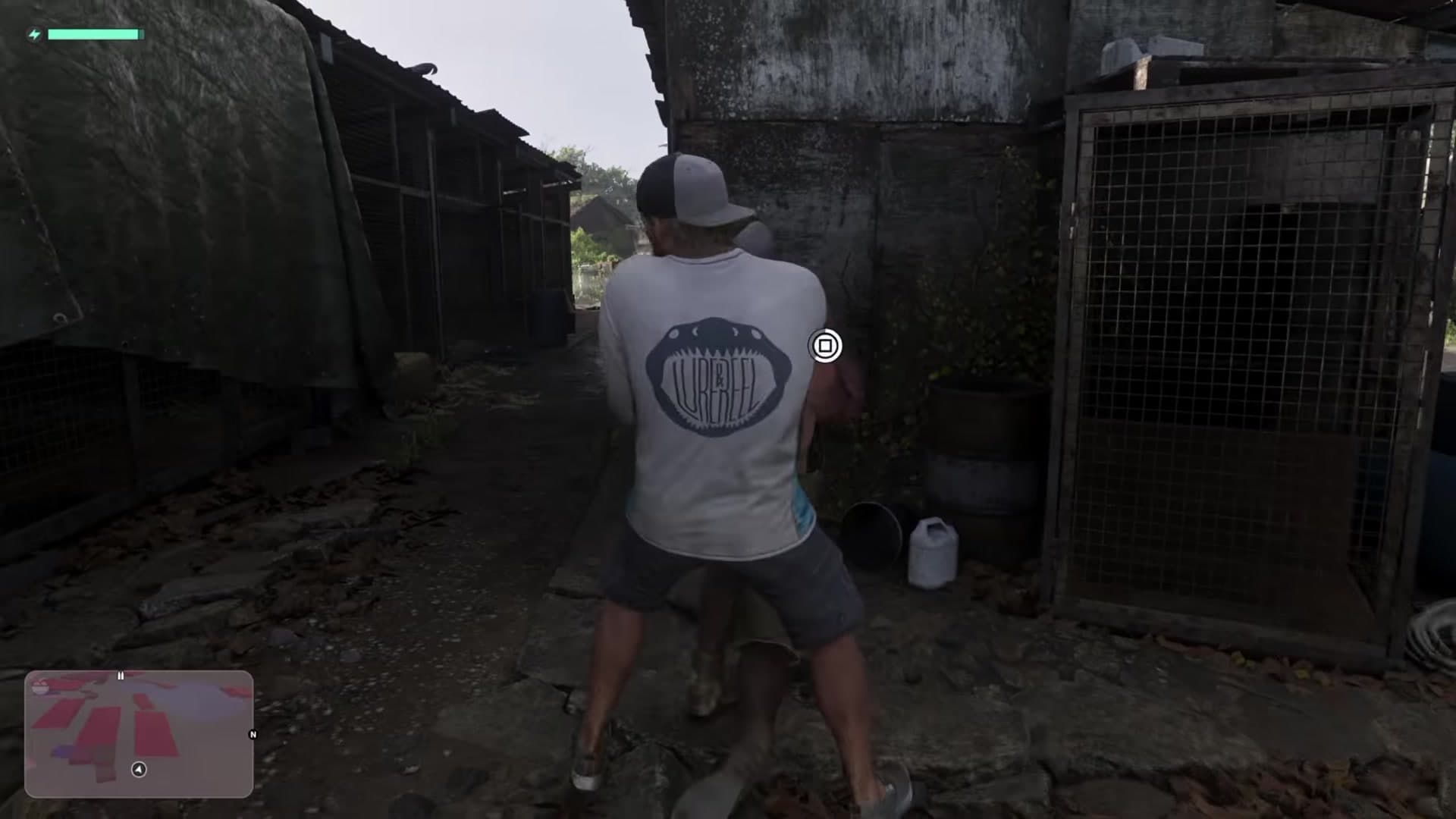
- Grapple. Hold R2 (RT). While grappling, □ (X) lands a follow-up hit, and a long press puts the enemy in a vulnerable position. You can also throw them from a grapple.
Punches drain Stamina. When the bar runs out, they weaken until it recovers. You can build Stamina with workouts.
You can also disarm an opponent or hit them with your weapon. On a motorcycle or bicycle, □ (X) kicks, and from a car it hits with the door. If fights feel too hard, the Accessible Combat option in the Gameplay settings makes enemies weaker.
Aiming and Shooting
Aim with L2 (LT) and fire with R2 (RT); a pistol can also be fired without aiming. You choose the aiming mode in Settings, under Gameplay, then Combat:
- Lock-On: the aim snaps to the nearest target, and the right stick switches between targets.
- Partial: the aim is drawn toward a nearby target but doesn't lock on.
- Free Aim: the aim doesn't lock on.
The same menu has the assists: Aim Assist Strength slows the aim over targets, Shooting Assist helps with close enemies (in Free Aim too), and Drive-By Assist helps when shooting from a vehicle. Lock-On also has its own Lock-On Time and Target Switch settings.
Without lowering your aim you can:
- move the camera to the other shoulder with D-pad left;
- zoom by clicking the right stick, and on scopes change magnification with D-pad up and down;
- roll with a direction and ✕ (A);
- switch weapons with △ (Y);
- tag an enemy with D-pad right, and the marker shows through walls and on the minimap.
The hit marker color tells you the target's state: white means still fighting, yellow means incapacitated but alive, red means dead. Shots to the arms and legs incapacitate without killing, and one more shot at a downed enemy can finish them off. You can shoot out tires, too.
Later in the story, in the Down to Earth mission, Combat Focus unlocks: time slows down, red zones on targets are lethal and yellow ones incapacitate. You can practice with no consequences at the shooting ranges at Rodgers Ranch and Griffin.
Cover and Grenades
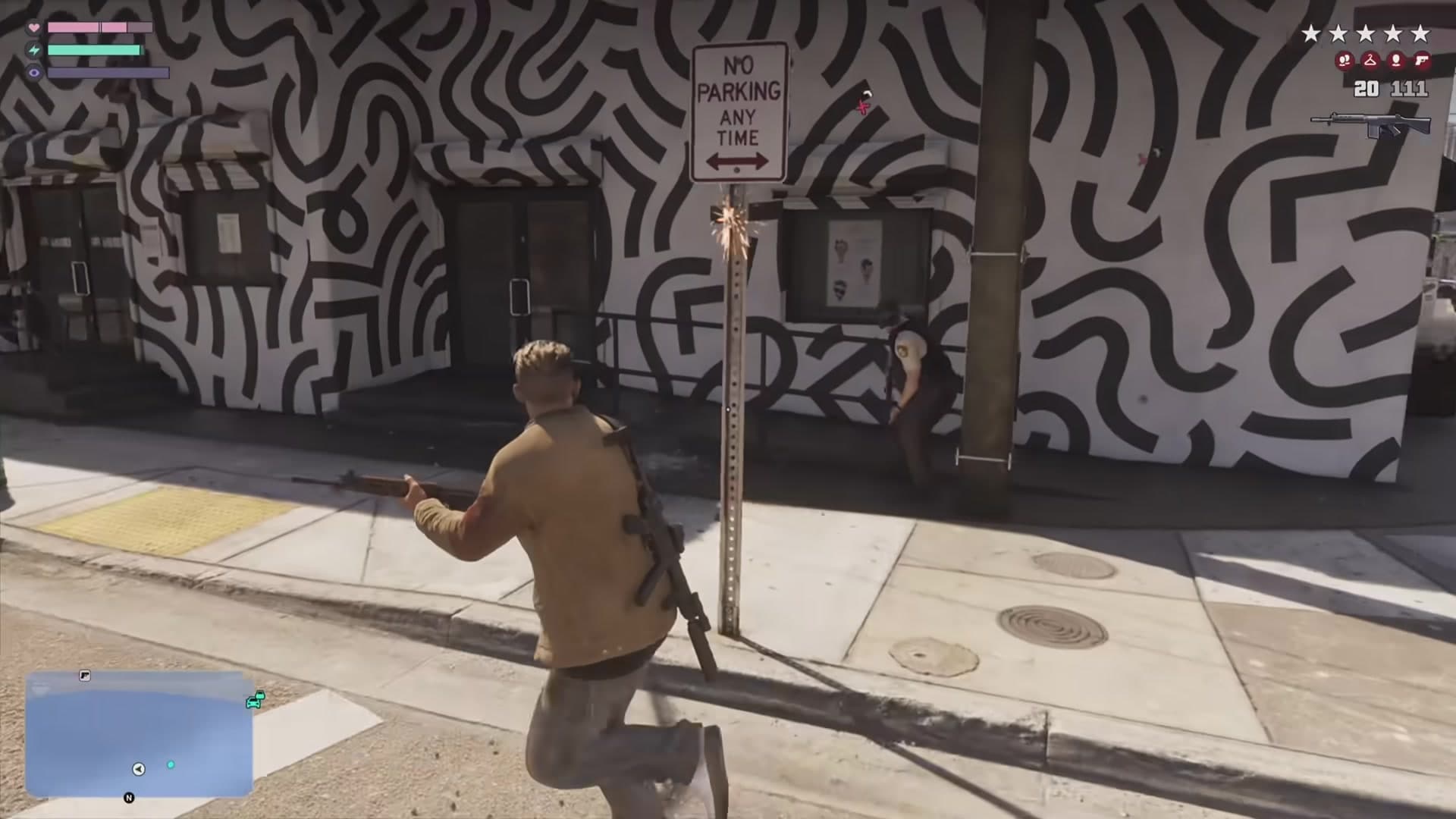
- R1 (RB) takes cover behind the nearest obstacle; press again to leave.
- L2 (LT) peeks out and aims, R2 (RT) fires.
Shooting at an enemy's cover slows them down and can pin them in place.
Aim grenades with L2 (LT) and throw with R2 (RT). Holding R2 (RT) pulls the pin, and clicking the right stick shows the trajectory. Remote explosives are detonated with D-pad right.
Stealth: How to Eliminate an Enemy Quietly
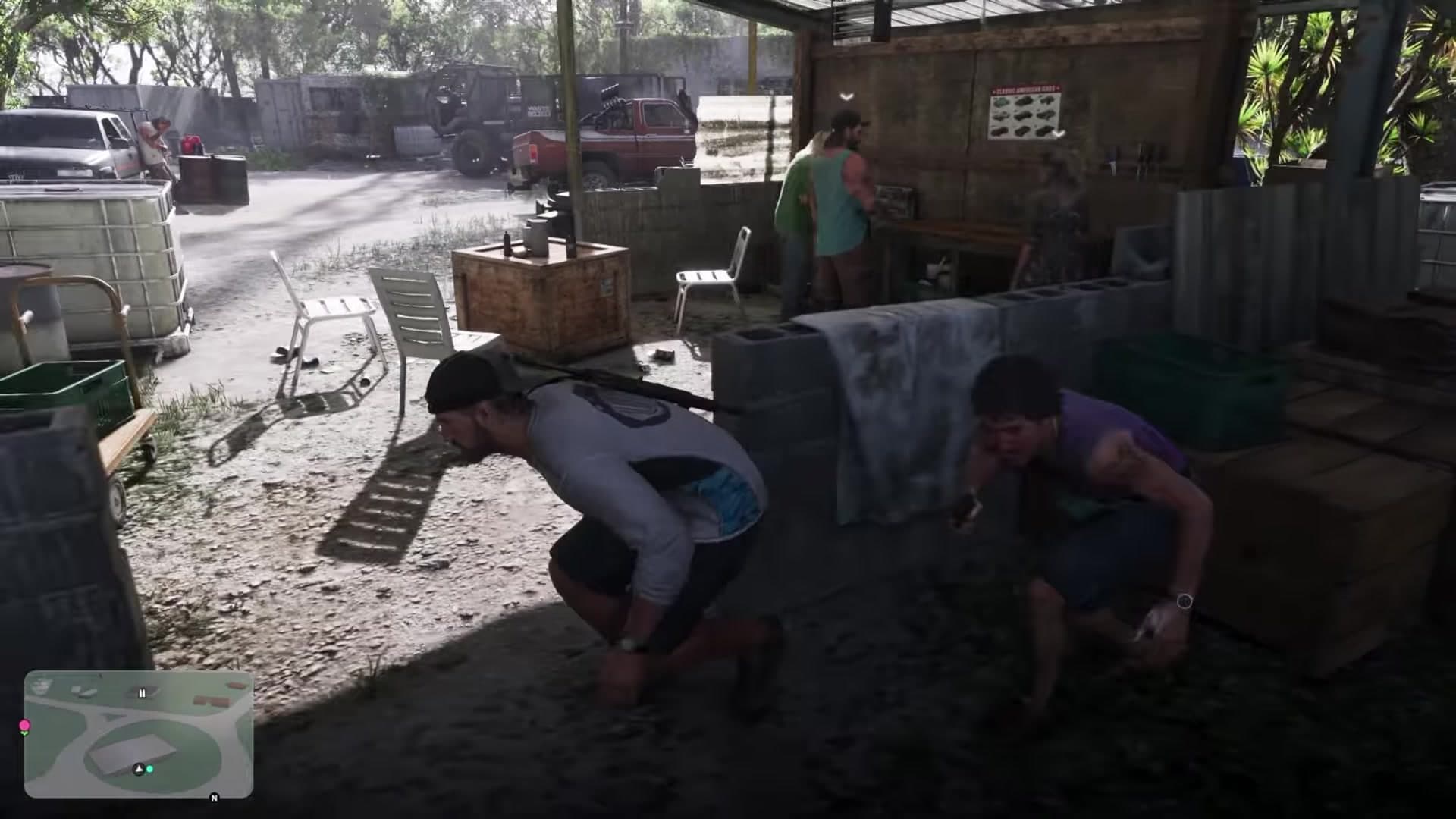
- Crouch with ○ (B): this makes you harder to spot.
- Approach from behind and hold R2 (RT) to grab an opponent.
- Repeatedly press □ (X) until they pass out.
If an enemy suspects something, hide immediately and get out of their line of sight.
Important: it's best to hide the body, in a trunk for instance, because a body that gets found raises the alarm.
Take a group down one at a time:
- Throw. Pick up an item, such as a glass bottle, and throw it with R2 (RT). Clicking the right stick shows the throwing arc.
- Whistle. Holster your weapon, look at an enemy and, when the Whistle prompt appears, hold L2 (LT) and press △ (Y). They'll come to check it out alone. Not everyone responds.
- Recon. Focus (click both sticks) highlights nearby enemies and items you can throw.
Quiet shooting needs a suppressor: buy one for your weapon at Ammu-Nation first, then attach and remove it in your loadout. A silent takedown doesn't kill and counts toward the "Professional" profile, as the criminal profile guide explains. A witness who has seen you may call the police: more in the wanted level guide.
Frequently Asked Questions
Lock-On is the easiest: the aim snaps to the nearest target on its own. Free Aim leaves the aiming to you, and Partial sits in between.
Grab them from behind and keep pressing □ (X) until they pass out, or shoot their arms and legs. Watch the marker: yellow means the opponent is alive.
You likely have the Classic scheme enabled: in it, punch is mapped to ○ (B), and you crouch by pressing the left stick.
Your Stamina ran out. Step out of the exchange and let it recover.
With the car stopped, hold ○ (B): your character will crouch.